Flint strikes the spark that starts the work. It takes an engagement from the client's first scoping answer to a project that is scheduled, staffed and ready to start.
Made for penetration testing, red teaming and other security testing engagements. Built by PenTest Hub, a penetration testing company, for its own work, and licensed on its own: €2.75 per user a month, and your clients never count as users.
Your client scopes the work.Each service brings its own questions. A section goes to the colleague who owns it by their own link, with no account to create.
The statement of work is signed, not emailed back and forth.It is drafted from the answers and filled with your package prices, then signed online. The invoice is raised from the accepted version.
Nothing starts unauthorised.Written authorisation, third-party permission, test accounts (never their passwords), IP allowlisting and kick-offs all sit on one checklist before day one.
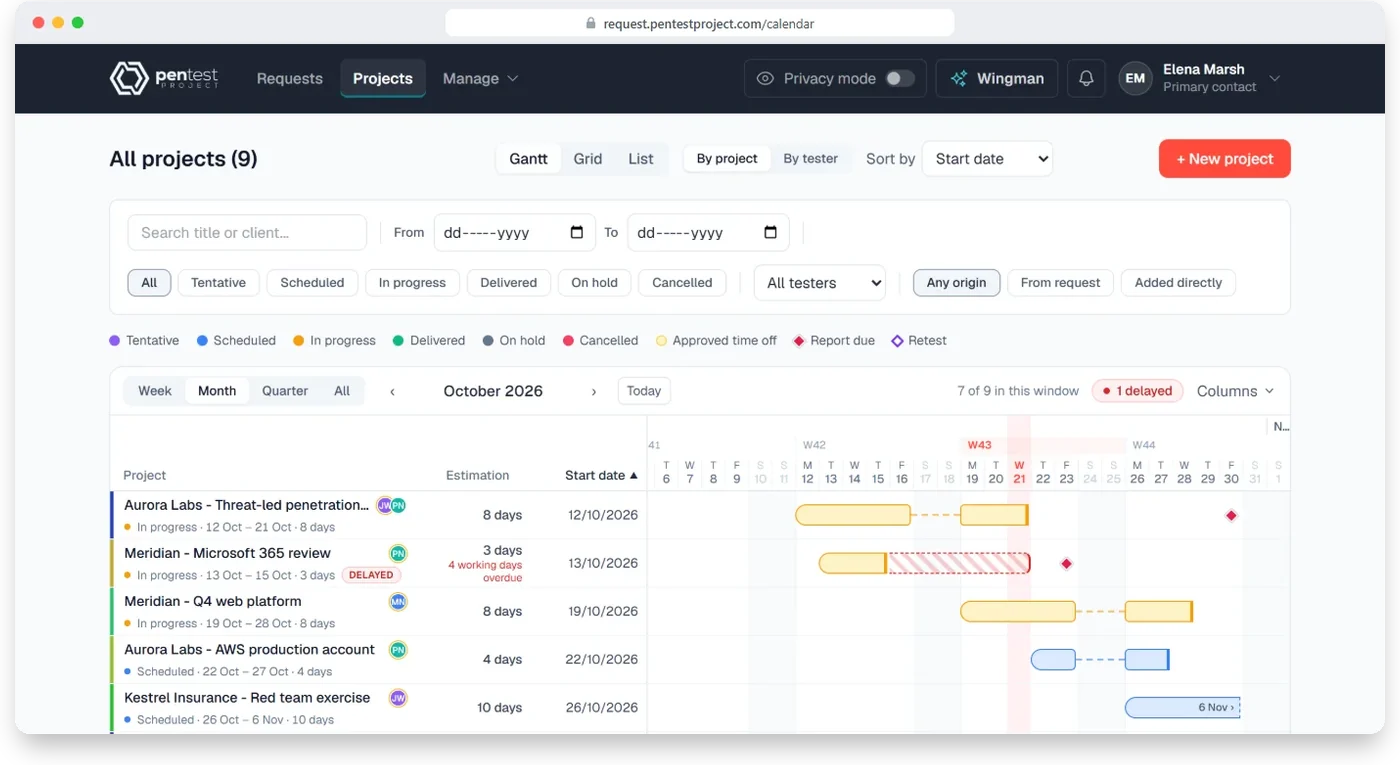
Planning that knows who is off.Drag a project to new dates and Flint shows tester clashes and approved time off before anything is saved.
Confidential stays confidential.Testers never see client email addresses, and operational answers, such as who knows about a covert test, stay out of the statement of work.
An assistant that waits for your yes.Wingman briefs you on what needs action and drafts statements of work and invoices, only after you confirm. It uses your own AI provider key.
Penetration tests run on dates agreed with a client, not in sprints. Flint plans in engagements: start, length, testers, report due, retest.
How Flint works
Scope it with the client, plan it with the team.
Your client chooses the services, answers only what applies, hands sections to colleagues and signs the statement of work. Your project managers turn it into scheduled work.
Step 1 · your client
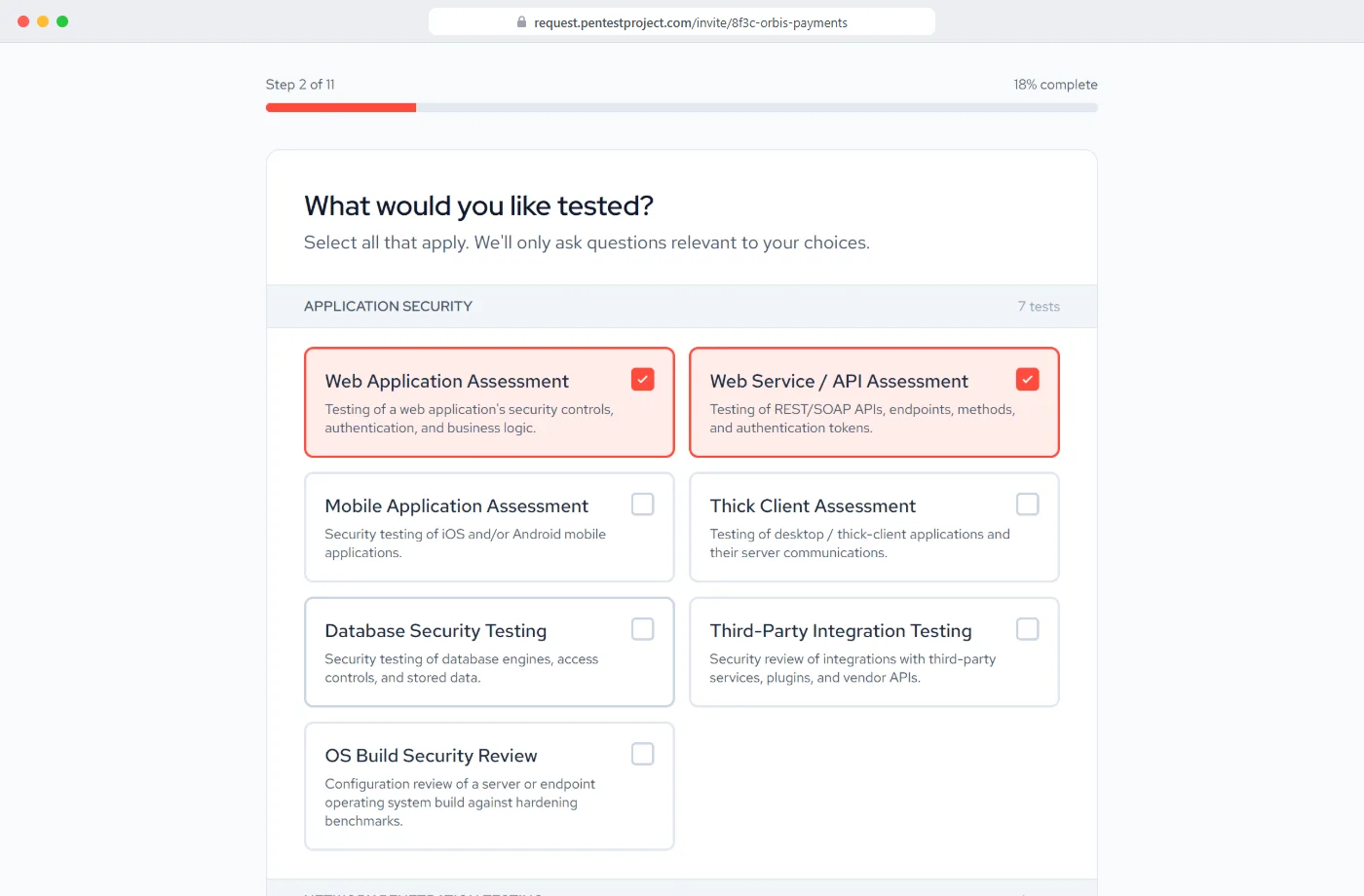
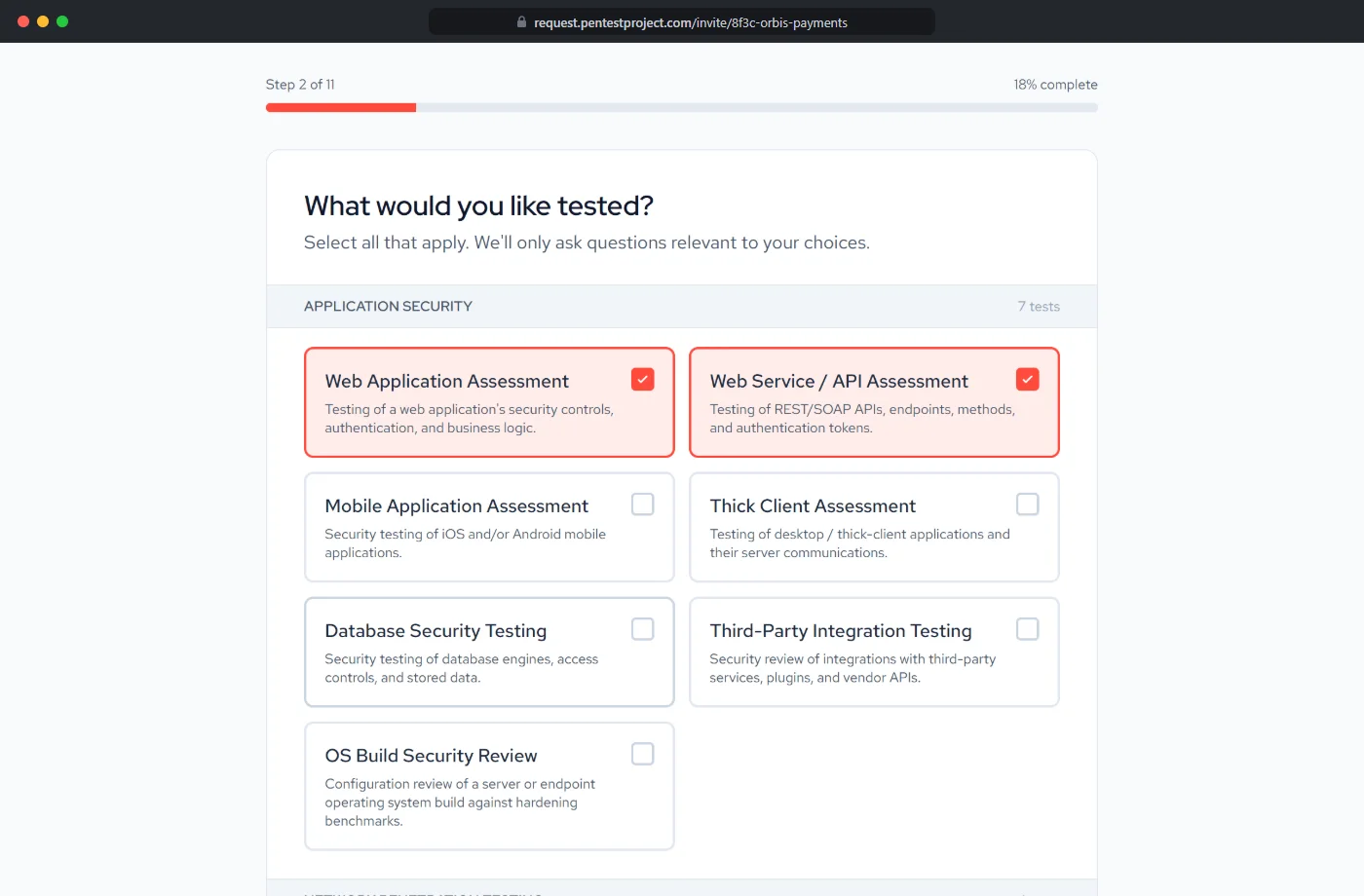
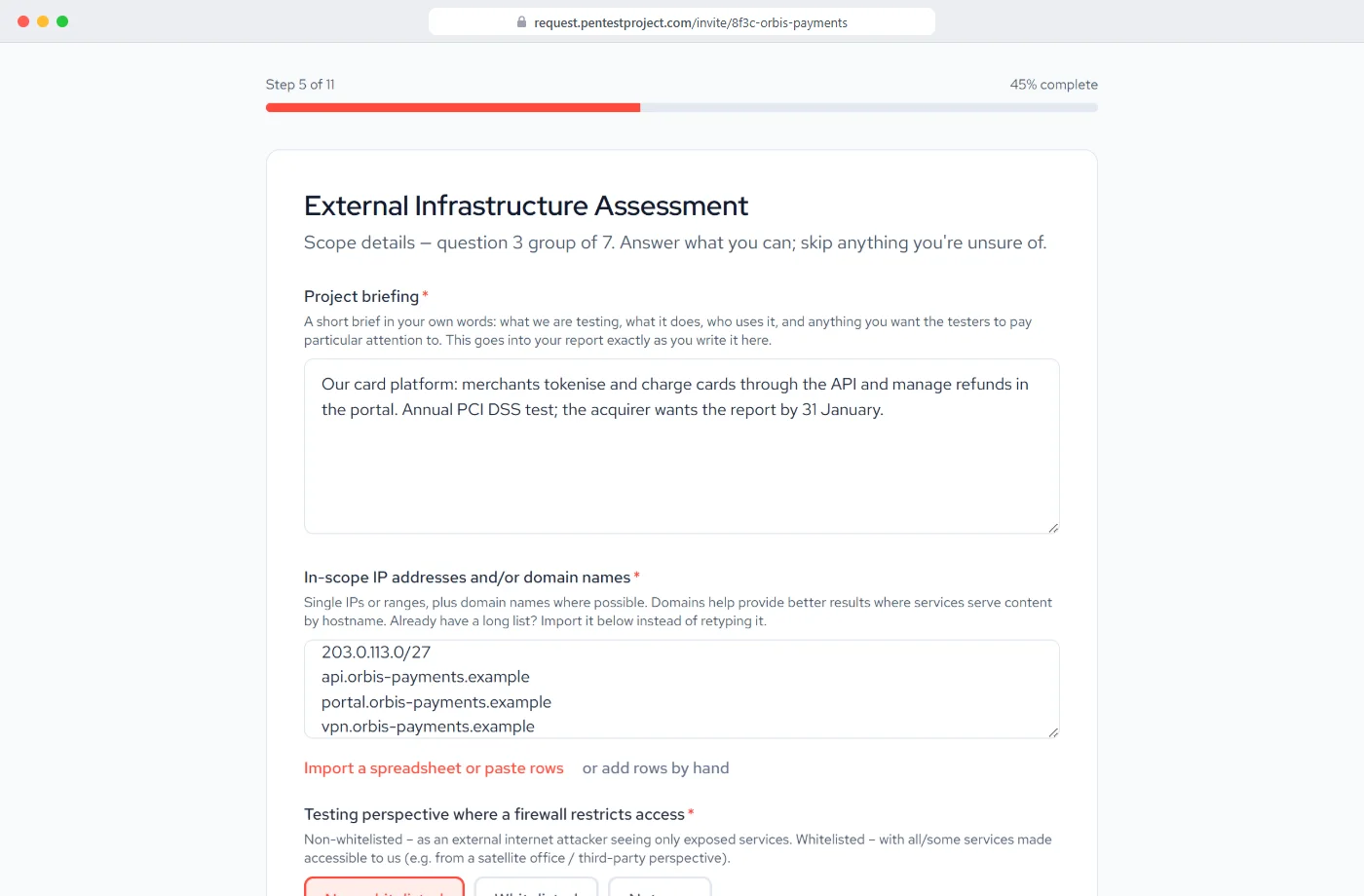
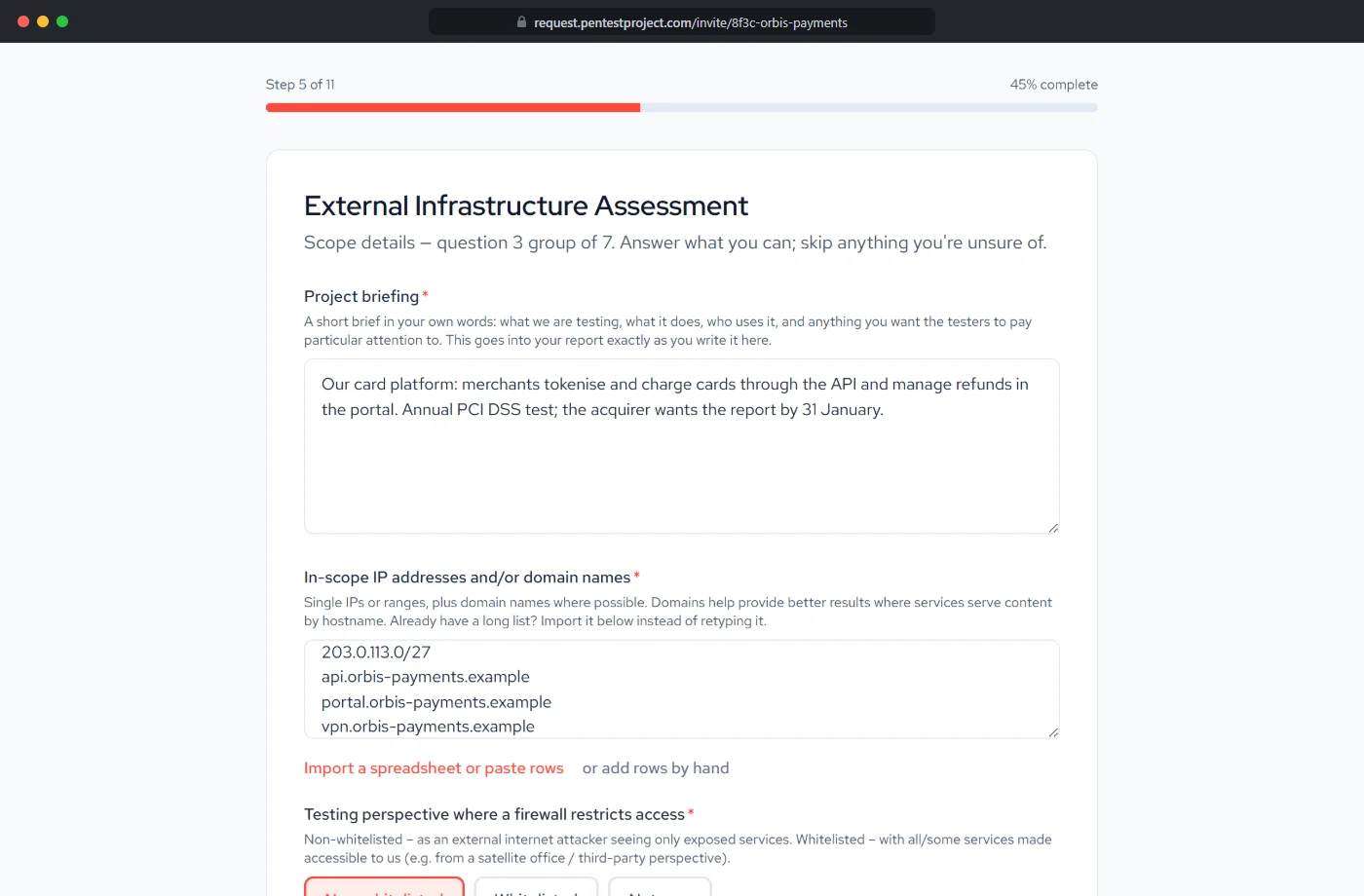
Pick the services, see only their questions
You invite the client; they choose what needs testing from 22 service catalogues. Each service brings only the questions that apply to it, so nobody answers for work they are not buying.
Every answer saved as it is typed
All of Flint in English or German: its screens, the questionnaire and the statement of work
Step 2 · your client
Questions written for each service
Applications, user roles, address ranges, segmentation boundaries: each service asks for what it needs. The statement of work is drafted from the answers; your package prices and day rate fill the lines.
A repeat engagement reuses an earlier scope in one click
Your scoping lead picks up anything left open
Step 3 · your client's colleagues
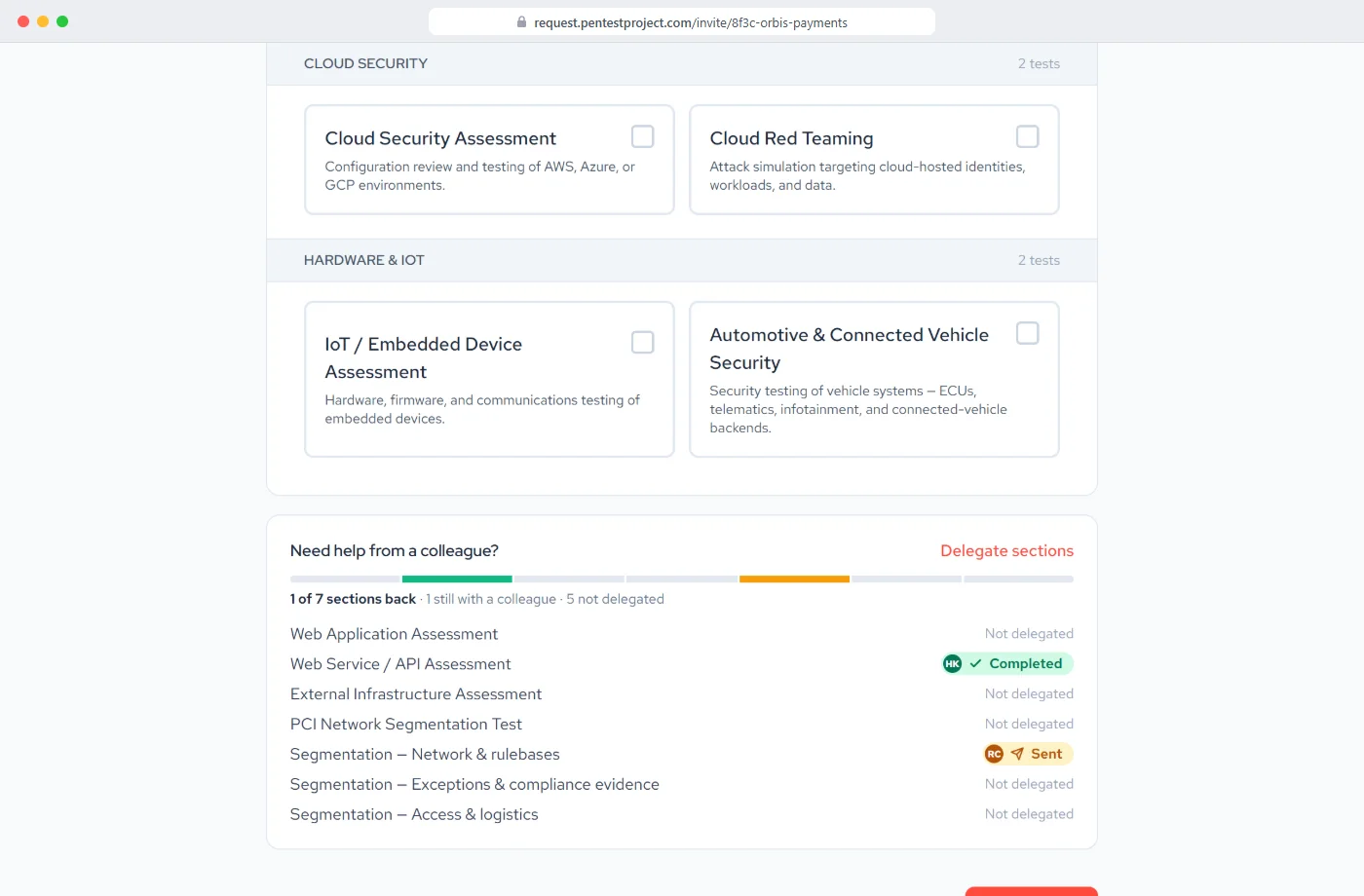
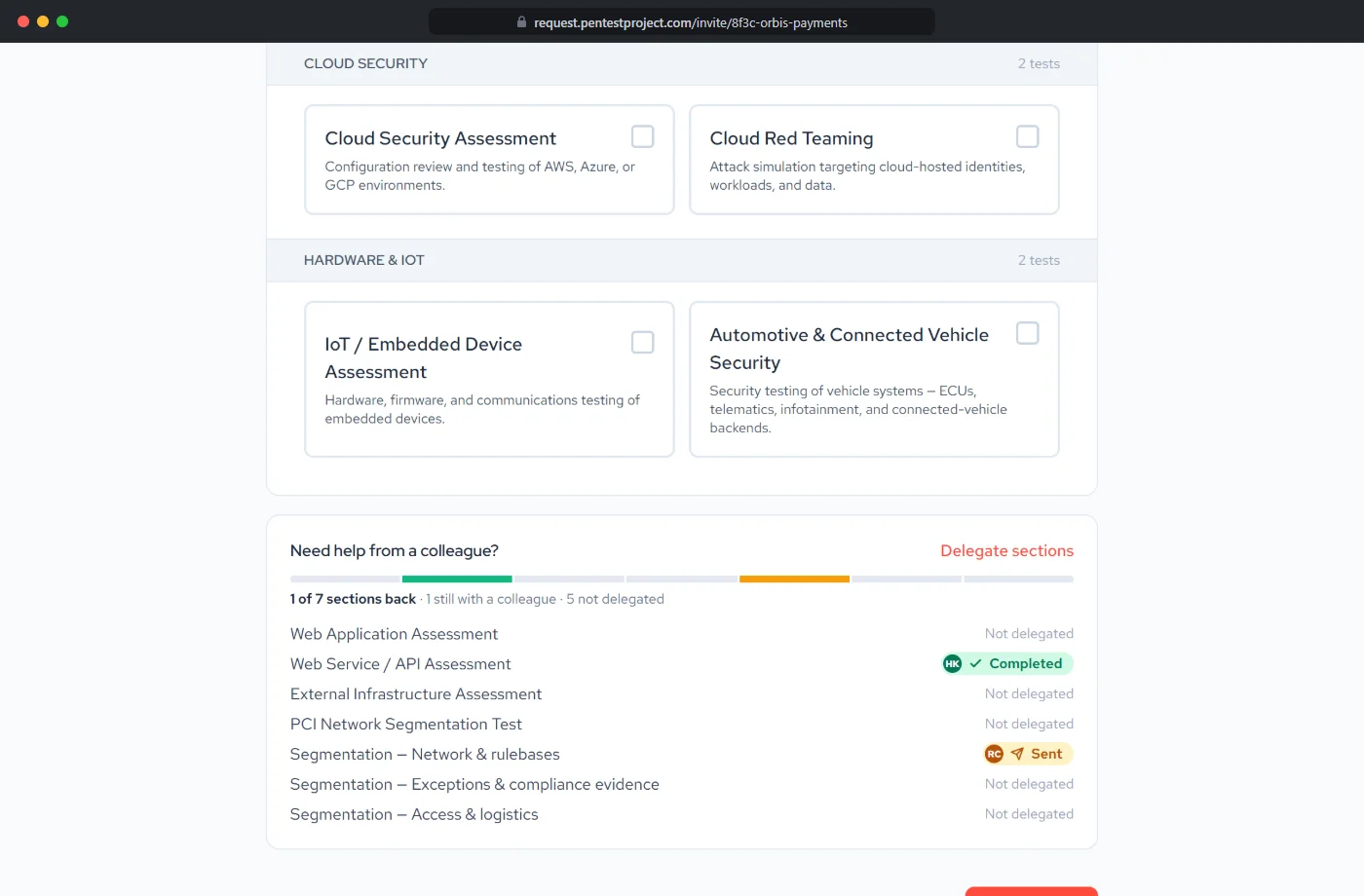
Hand each section to the person who owns it
Nobody knows the whole estate. A section goes to the colleague who owns it, with their own link and no account to create, and they see only what they were given.
Every answer lands in the same request
Nothing about pricing or other sections is shown to them
Step 4 · your client
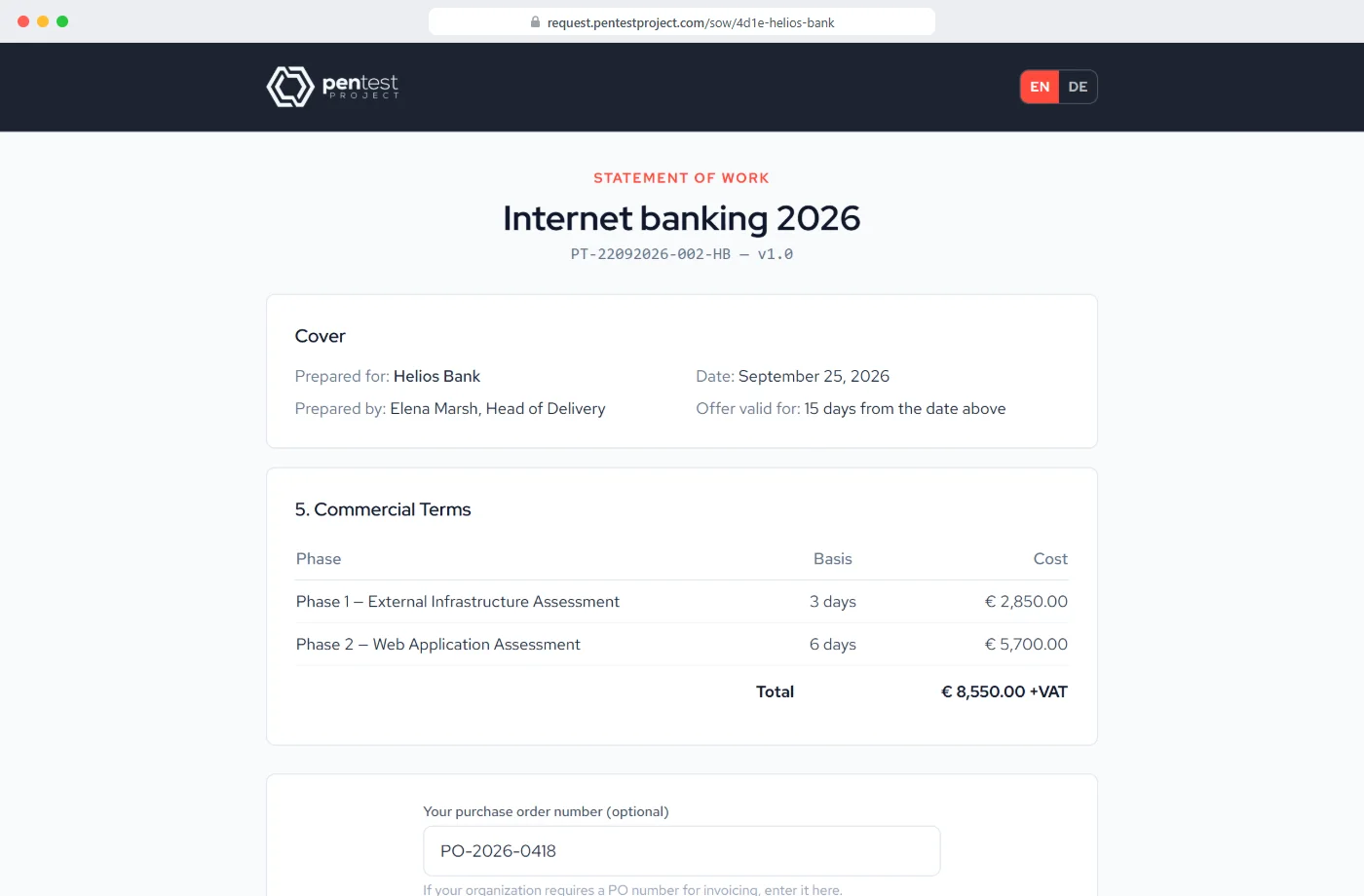
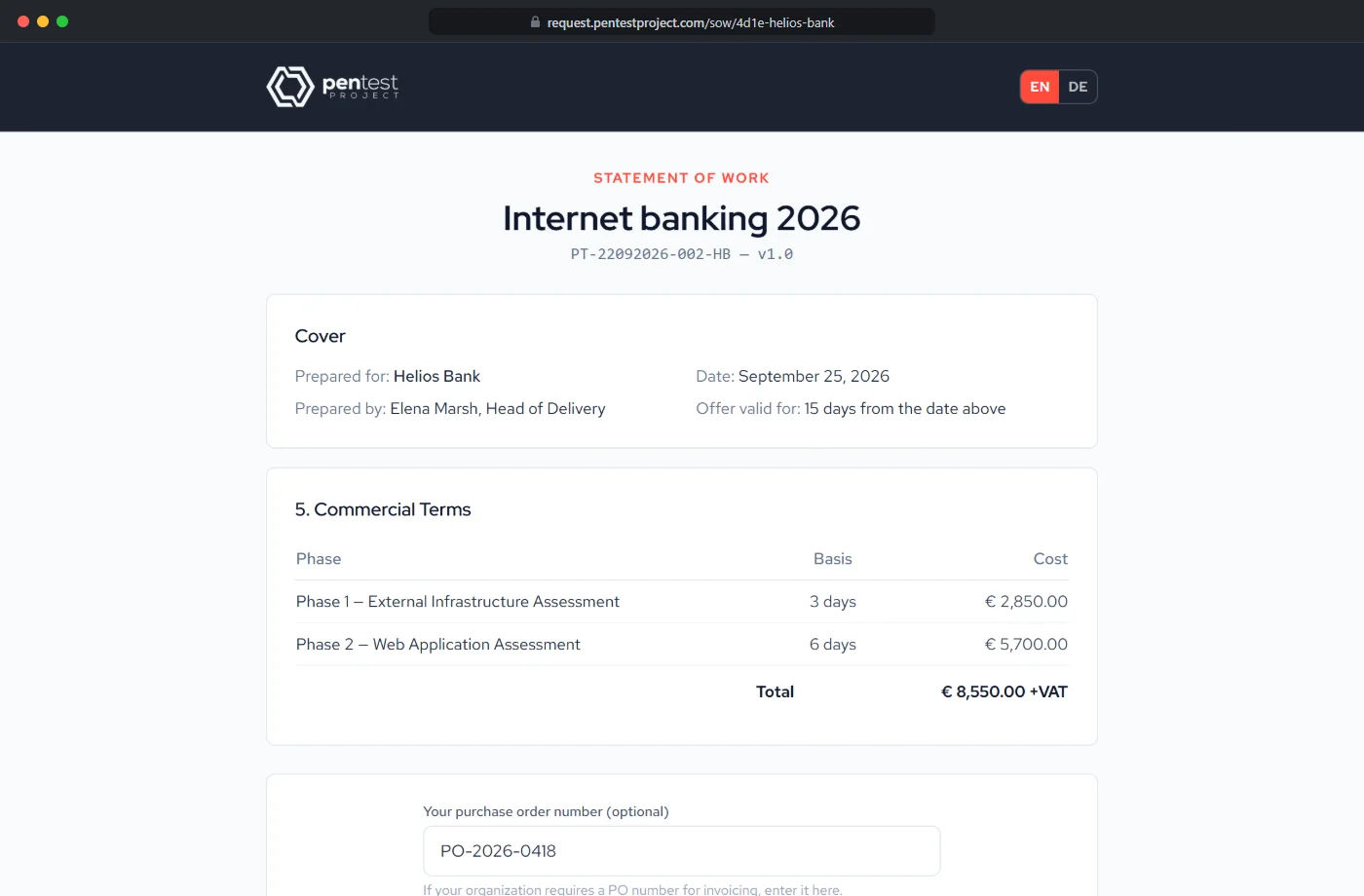
Read the statement of work, sign it online
The statement of work is drafted from the answers and your own prices and day rate. The client reads it and signs it from a link, with no account; accepted and declined offers are tracked for you.
Once signed, the client gets the signed PDF by email automatically
Your package prices fill the lines, per client if you agree a special rate
Step 5 · your project managers
Plan the team, schedule the work, invoice it
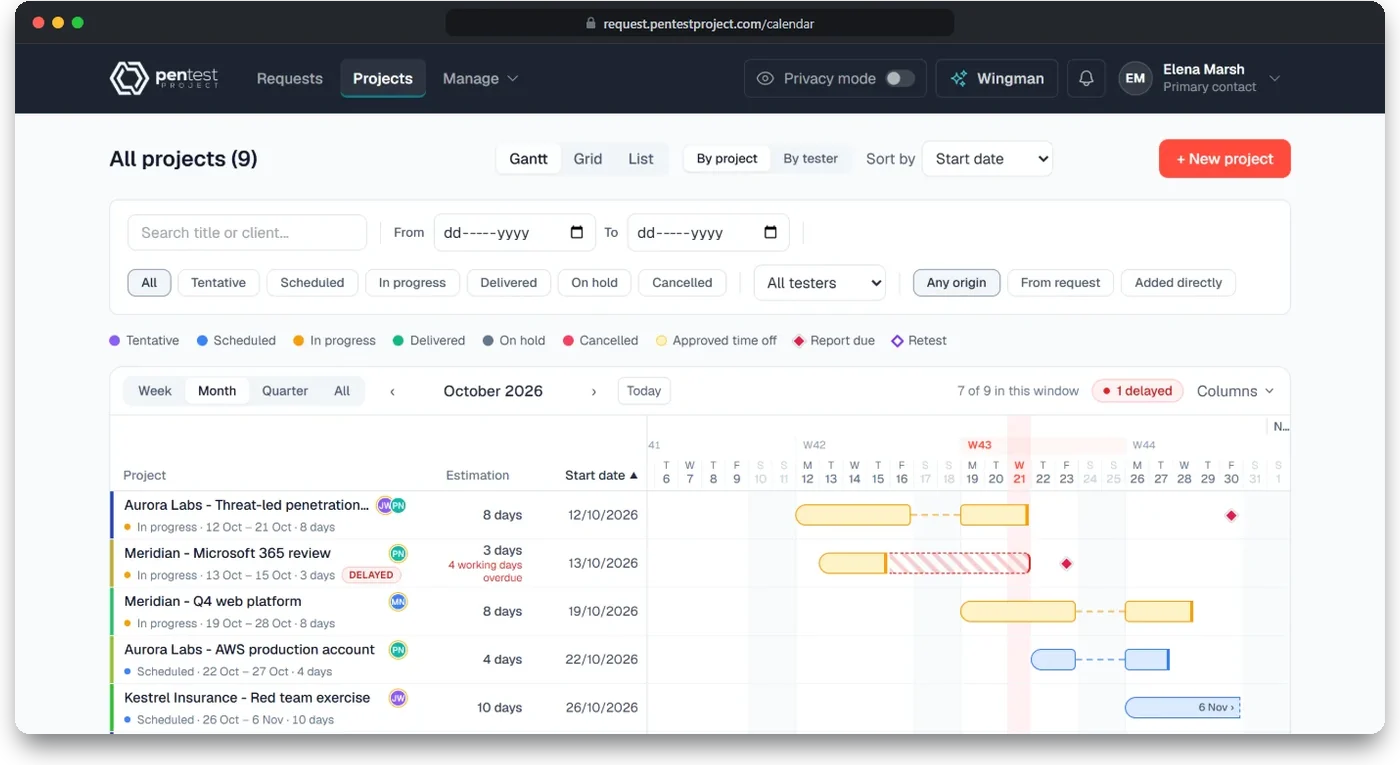
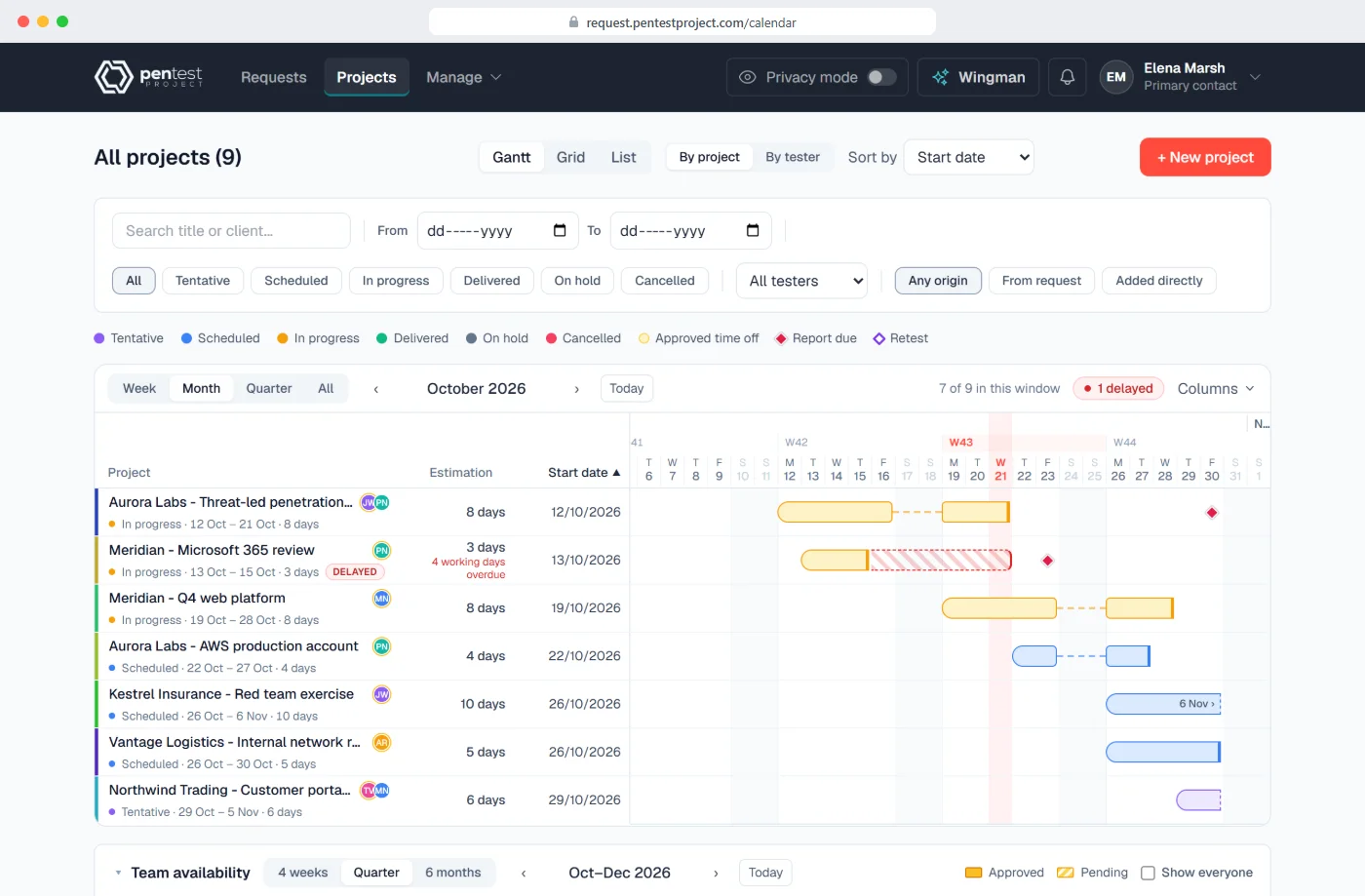
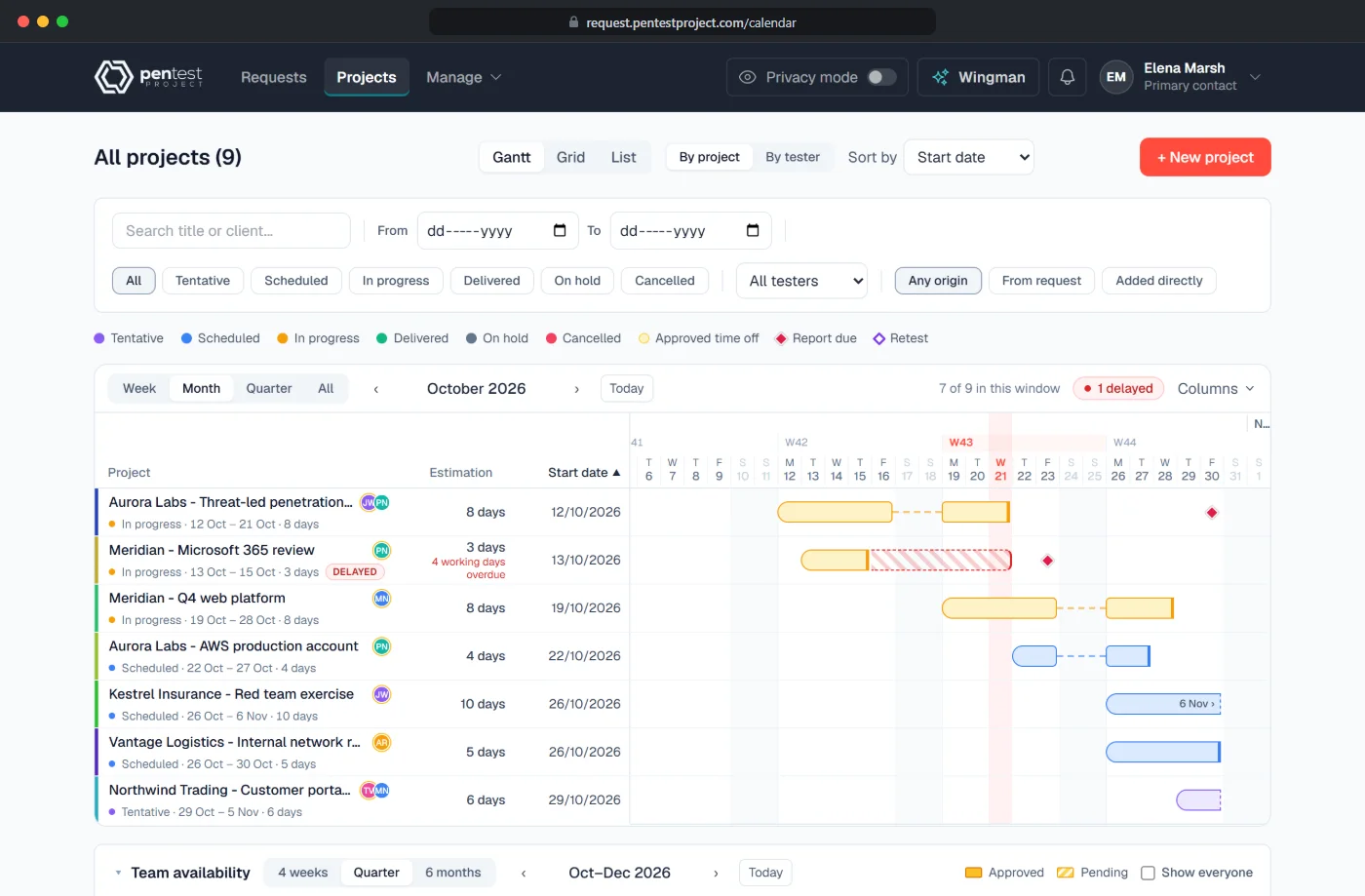
A signed request becomes a scheduled project on the Projects page, as a Gantt, a month grid or a list. Assign testers, drag a project to new dates (confirmed before anything is saved), follow it from scheduled to delivered, and raise the invoice from the accepted statement of work.
Report due and retest dates marked on every project
The Board view, available as an add-on, shows every engagement as open, in progress or done; drag a card to move it on
Step 6 · your project managers and your client
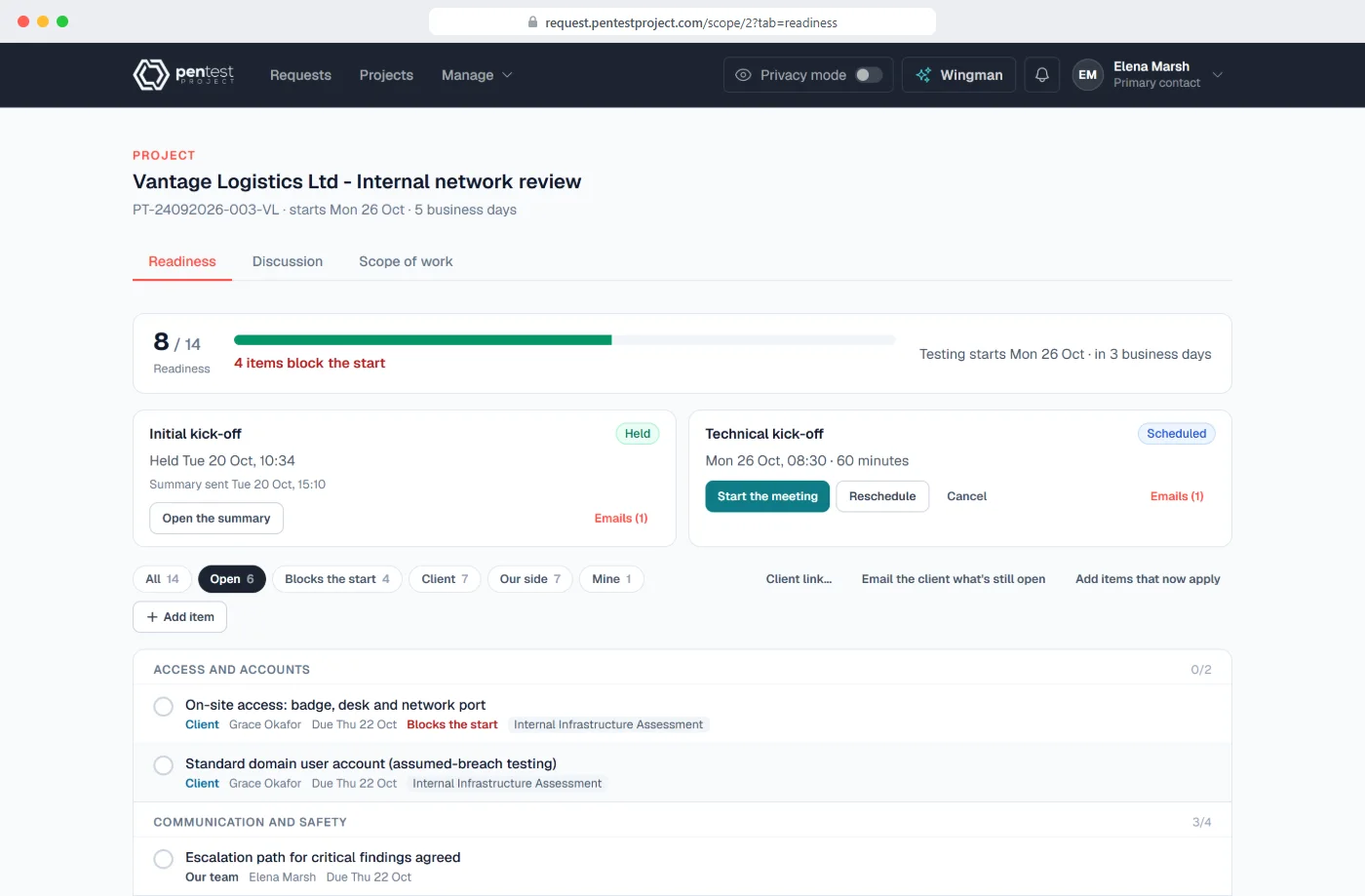
Ready before day one
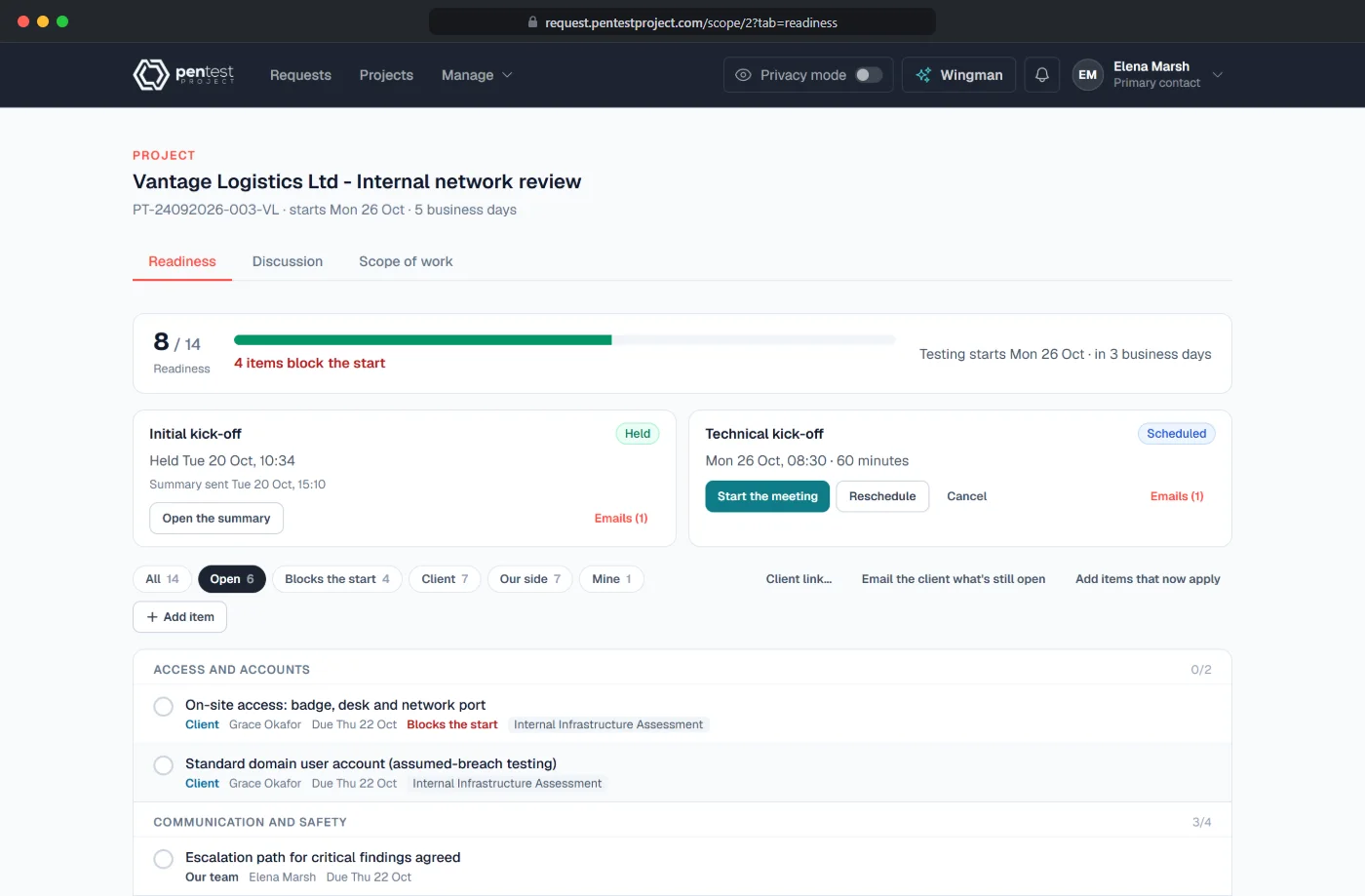
Flint turns the client's scoping answers into a checklist of what has to be in place before testing starts. The client names their project team and its main contact, answers their items on a page of their own, kick-offs are planned and minuted in the same place, and you see at a glance what still blocks the start.
A one-time code to the client's work email opens their page
The technical kick-off ends in rules of engagement, sent to every attendee
You see who every email goes to before it is sent
Alongside every step · your team
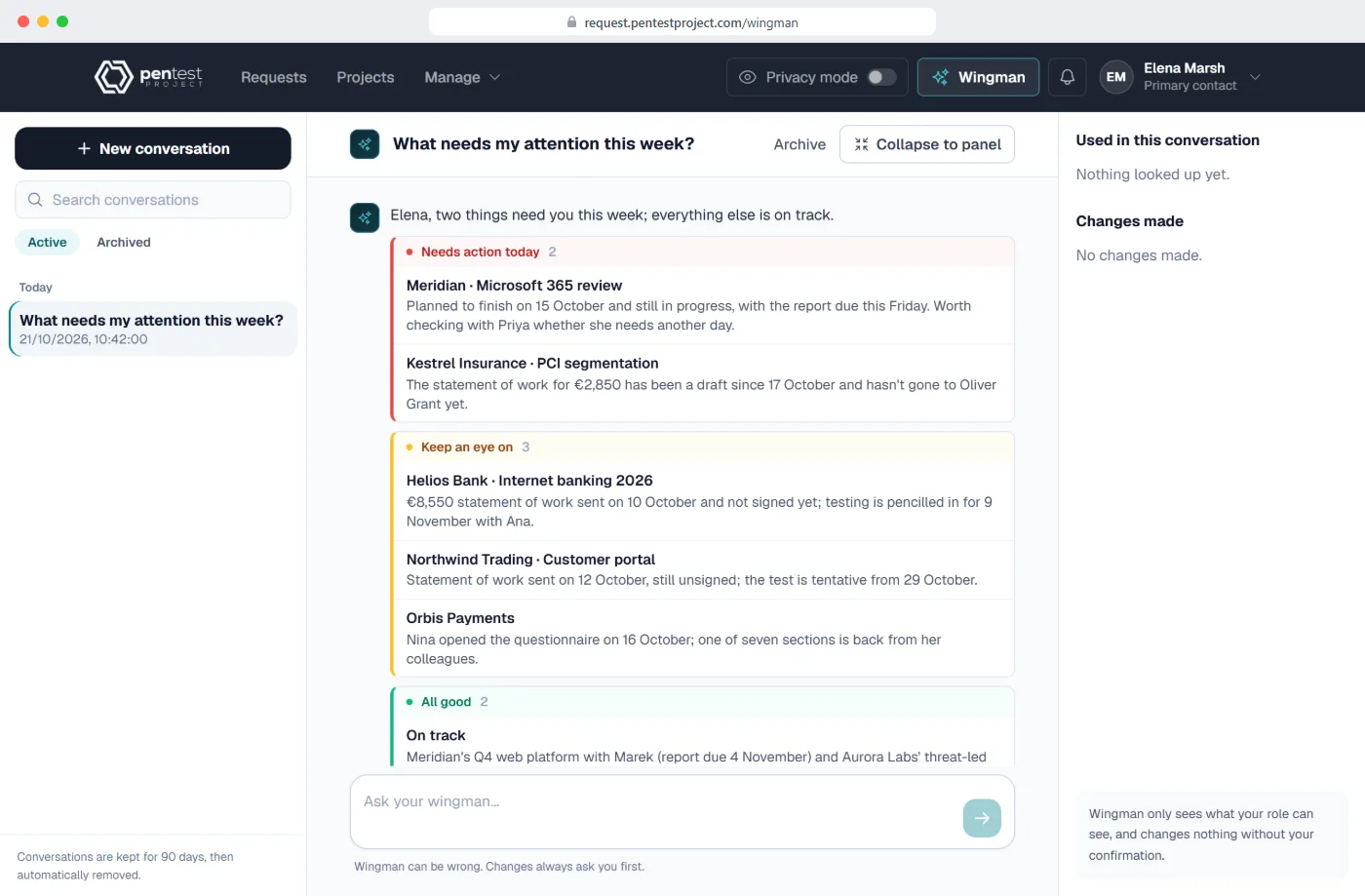
Ask Wingman what needs you today
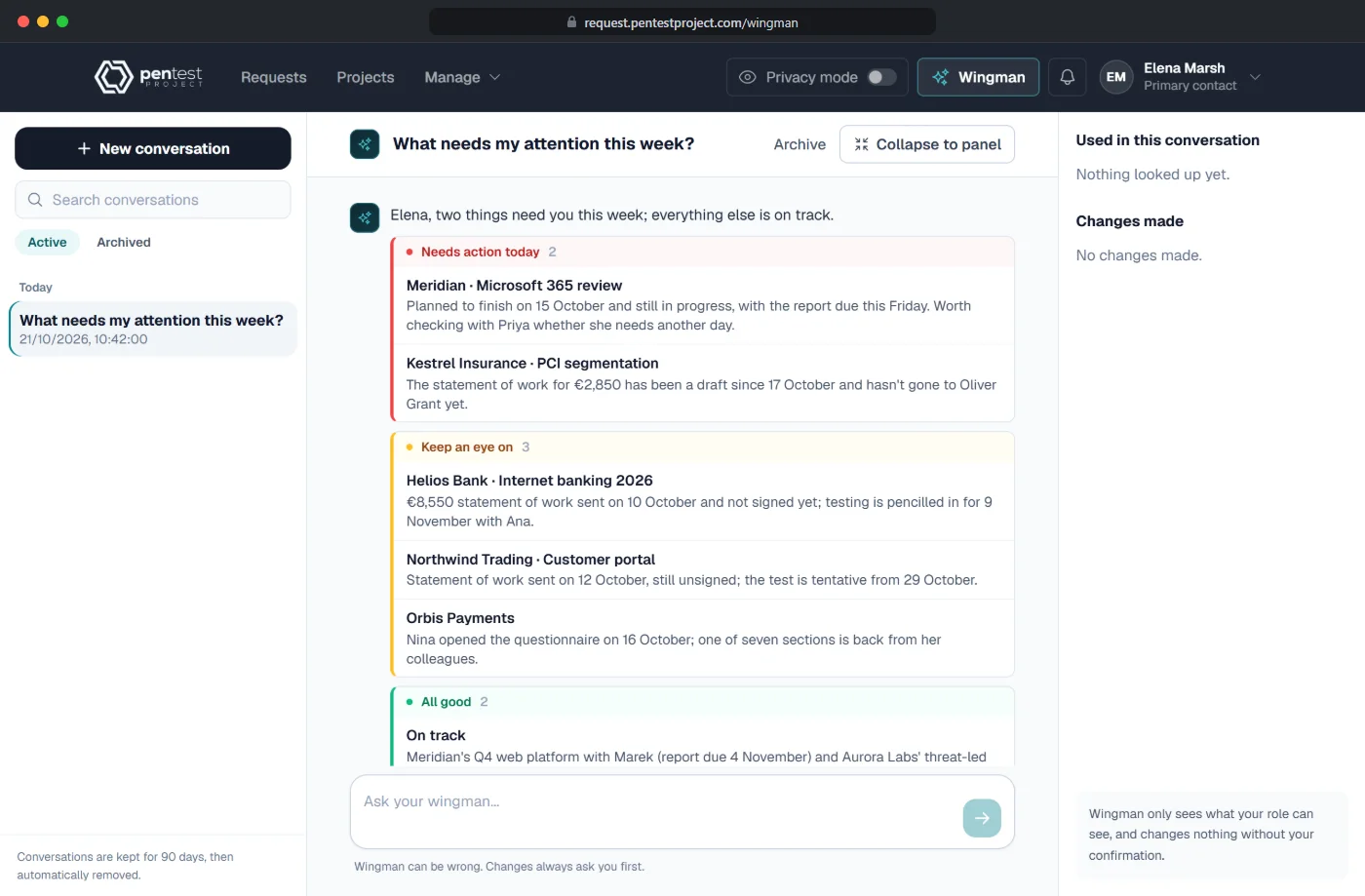
Wingman is the assistant built into Flint. Ask in plain words what needs attention, who is free next week or which statements of work are waiting for a signature. It answers from your own requests, projects and calendar, and sees only what your role can see.
A briefing sorted into needs action, keep an eye on and all good
Drafts statements of work and invoices and reschedules work, only after you confirm
What Flint gives you
Built for each side of the engagement.
Sixteen things Flint does for your clients, your project managers and your company. All are in every edition, except white-label (Professional and Enterprise) and the add-ons named here.
For your clients
Never licensed, never asked to create an account
A questionnaire per serviceThey choose from 22 service catalogues and answer only what applies, in English or German, saved as they type.
Sections handed to colleaguesEach colleague gets their own link, needs no account and sees only their part.
Last year's scope, reusedA repeat engagement starts from an earlier scope in one click.
A statement of work signed onlineRead and signed from a link; the signed copy is emailed and every accepted version is kept.
A page of their own before day oneOpened with their work email and a one-time code: they answer checklist items and upload files there.
For your project managers
From signed request to staffed project
The Projects pageGantt, month grid or list. Drag a project to new dates; nothing is saved until you confirm.
Team availability and clashesWho is off over four weeks, a quarter or six months, approved and pending; clashes with other projects and approved time off show before you confirm.
Kick-offs that end in rules of engagementCalendar invitations for every attendee, live notes and screenshots; the technical kick-off ends in rules of engagement sent to all.
Invoices from the statement of workClient, price and purchase order filled in; numbering, VAT, PDF and email.
WingmanAsk in plain words what needs you. It drafts and reschedules only after you confirm.
For your company
Your rates, your template, your rules
Your rates, per currency and per clientPackages and a day rate in euro, pound sterling, US dollar or Romanian leu, with special rates per client.
Your statement of work templateRename, hide or add sections, with your fonts, colours, cover and logo.
Regions and subsidiaries kept apartEach Partner has its own logins, clients, projects and logo. Your administrators reach its data only through a time-limited grant it gives. One Partner is included; more are available as an add-on.
Single sign-on and two-step sign-inMicrosoft Entra ID, Google Workspace or any OpenID Connect provider, and authenticator codes, in every edition.
Client reports, includedEach month or quarter, Flint emails each reseller or direct client the projects you delivered for them, with the project list in the email and PDF and Excel attached.
Board view, management reports and the activity logEach available as an add-on: engagements as cards, pipeline, workload and ageing reports for your own team, and a record of every change.
Editions and price
One price, on every edition.
Flint is €2.75 per user a month, excluding VAT, licensed on its own. The edition you choose sets white-label, the minimum number of users, where it runs and your support. Your price stays fixed for the first two years. Slate's editions and prices are on the Slate page, and both side by side in the pricing section.
Edition
Essential
Professional
Enterprise
Price
€2.75 per user a month
€2.75 per user a month
€2.75 per user a month
White-label
—
Your logo and name on every email, the client's pages and the menu bar; your own domain
Your logo and name on every email, the client's pages and the menu bar; your own domain
Minimum users
None
5
10
Where it runs
Cloud version
Cloud version
Cloud or Server version
Support
Email, two business days
Priority, next business day
Named contact and phone
Compare every Flint feature, edition by edition
Feature
Essential
Professional
Enterprise
Scoping with your client
Scoping questionnaires per service; answers saved as they are typed
✓
✓
✓
All of Flint in English or German: screens, questionnaires and statements of work
✓
✓
✓
Clients hand sections to colleagues by link, without an account
✓
✓
✓
Statement of work drafted from the answers, priced from your rates and signed online by the client
✓
✓
✓
Planning and delivery
Planning on a Gantt, month grid and list, with team availability: testers, dates, time off and workload in one view
✓
✓
✓
Checklist before day one from the scoping answers, kick-off meetings and a page where the client answers it
✓
✓
✓
Invoices raised from the accepted statement of work
✓
✓
✓
AI Wingman: looks things up and acts only after you confirm
✓
✓
✓
Board view, management reports and the activity log
Available as an add-on
Available as an add-on
Available as an add-on
Your company
Resellers: you name the reseller who is invoiced, and the end client is named on the documents
✓
✓
✓
Client reports: each month or quarter, the projects you delivered, emailed to each reseller or direct client with the list in the email and PDF and Excel attached
✓
✓
✓
More Partners for your regions, teams or subsidiaries, each fully separated with its own logins, clients and logo
Available as an add-on
Available as an add-on
Available as an add-on
Single sign-on and two-step sign-in
✓
✓
✓
White-label: your brand and domain
—
✓
✓
With Slate
A client requests a test from the Slate client portal and lands in Flint's scoping questionnaire
✓
✓
✓
Picking the Flint engagement in Slate fills in its scope, dates, testers, test accounts and rules of engagement before you save
✓
✓
✓
Issuing the report in Slate marks the Flint project delivered
✓
✓
✓
Questions
Flint, in short answers.
Why is it called Flint?
Flint strikes the spark that starts the work. It is where an engagement begins: the client's first scoping answer becomes a statement of work, a signed agreement and a scheduled project.
Do we need Slate?
No. Flint is licensed on its own and complete without Slate: scoping, statements of work, planning, the checklist before day one and invoicing. Connect Slate later and the engagement opens there with the scope, dates, testers, test accounts and rules of engagement already filled in.
Do our clients need an account?
No. A client scopes from an invitation link, colleagues answer their sections from their own links, and the statement of work is signed from a link. Before day one the client opens their own page with their work email and a one-time code. Clients never count as users.
Can a client hand part of the scoping to a colleague?
Yes. The client hands any section to the colleague who owns it. That colleague gets their own link, needs no account and sees only the sections they were given, never pricing or the rest of the request. Every answer lands in the same request.
How much does Flint cost?
€2.75 per user a month, on every edition and every billing period. Users are your own team with a login; clients and their colleagues never count. Professional starts at 5 users and Enterprise at 10; Essential has no minimum.
How is the price on the statement of work worked out?
From your own rates. The scope of each service is drafted from the client's answers; your project manager sets the days or picks a package, and your package prices and day rate fill the lines, in euro, pound sterling, US dollar or Romanian leu, with special rates per client if you agree them.
Can we plan around holidays?
Yes. Time off is requested and approved in Flint, and Team availability shows who is off over four weeks, a quarter or six months. When you assign testers or drag a project to new dates, Flint shows any clash with other projects or approved time off before anything is saved.
Can we sell through resellers?
Yes. On a client or a request you name the reseller who is invoiced. The end client is named on the statement of work, and the reseller never appears on its cover. Each month or quarter, Flint can email a reseller or direct client the list of projects you delivered for them, as PDF and Excel. To divide Flint by region, team or subsidiary instead, each part becomes a Partner of its own, fully separated; one is included, and more are available as an add-on.
What does Wingman need?
A key from your own AI provider, Anthropic or OpenAI, added in Flint's settings. Wingman is included in Flint's price and uses your own AI provider key, so there is no usage bill from us. It answers from your own requests, projects and calendar, sees only what your role can see, and changes nothing until you confirm.
Which languages?
Flint works in English and German throughout: its screens, the scoping questionnaire your clients fill in and the statement of work they sign. Each person chooses their own language.
How we start
A 30-minute call, then your instance within two weeks.
Choose an edition and we provision your instance, or book a demo first and we walk you through it with sample data.