From the first scoping answer to the signed-off retest.
Flint scopes, prices and plans the work with your client. Slate runs the engagement, issues the reviewed report and gives your client their own client portal. Take either on its own; use both and nothing is typed twice.
Book a 30-minute demo30 minutes online, at a time that suits you. We show you Flint and Slate and answer your questions.
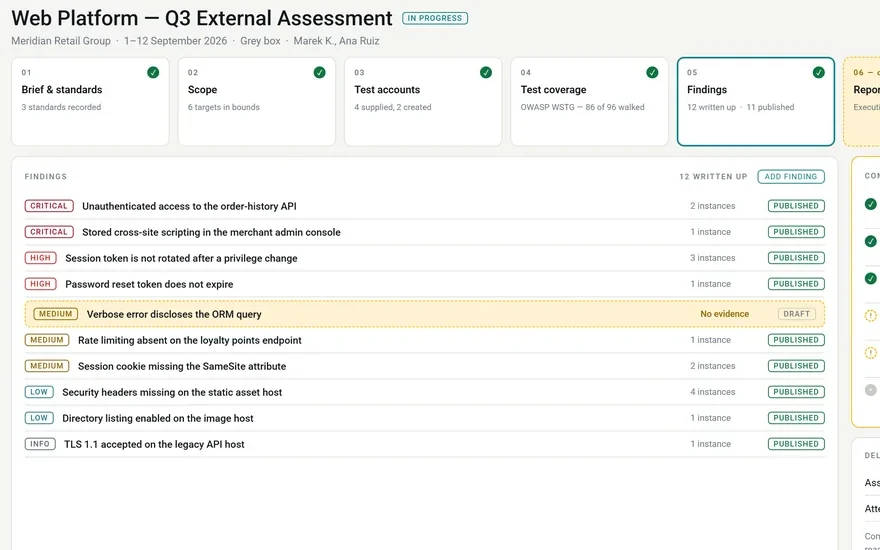
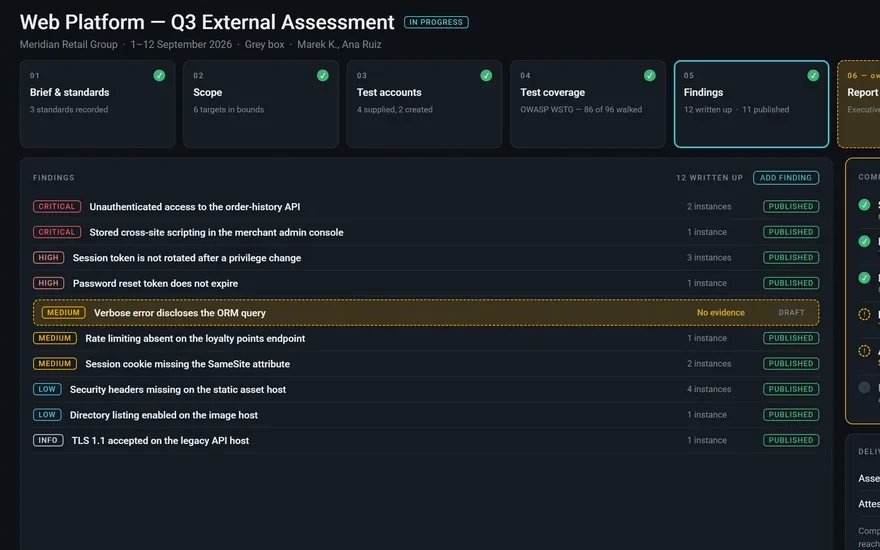
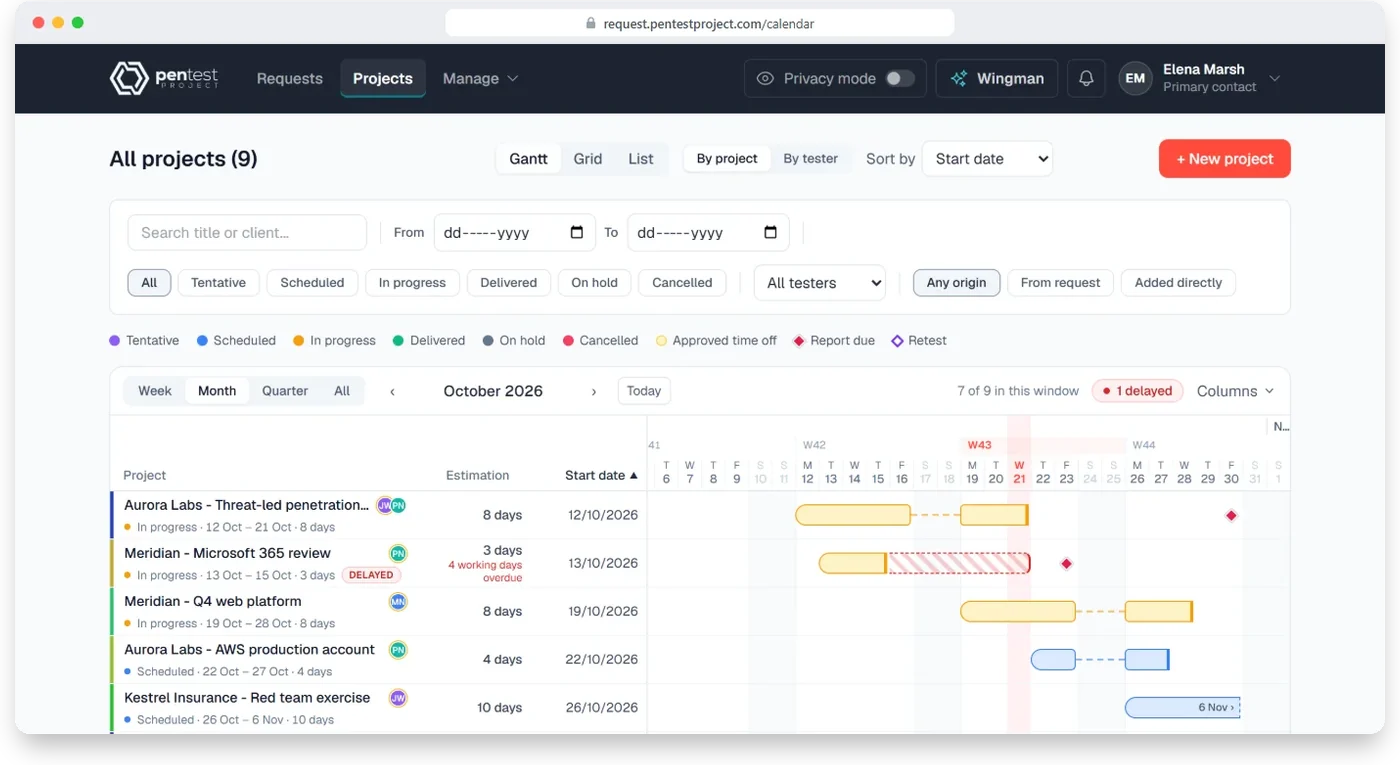
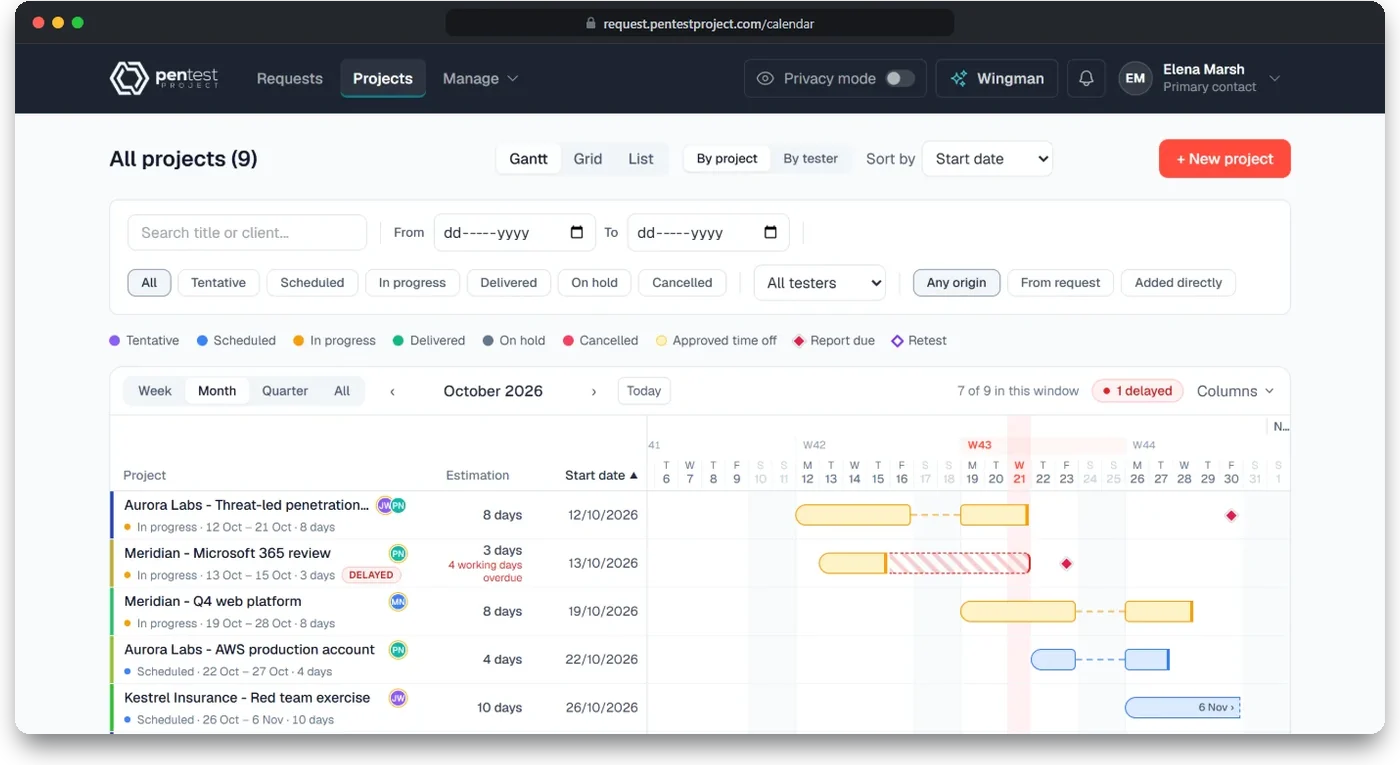
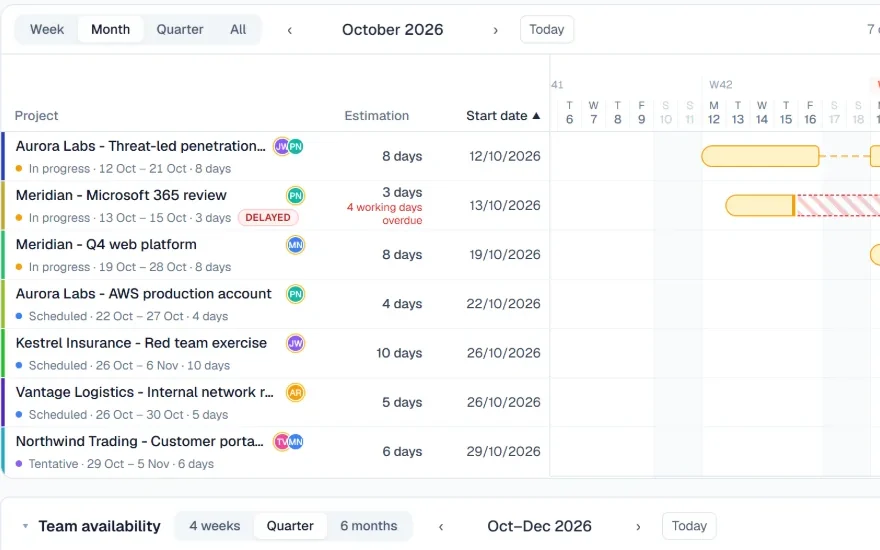
What your project managers see in Flint: every engagement, its testers and its dates on one plan.
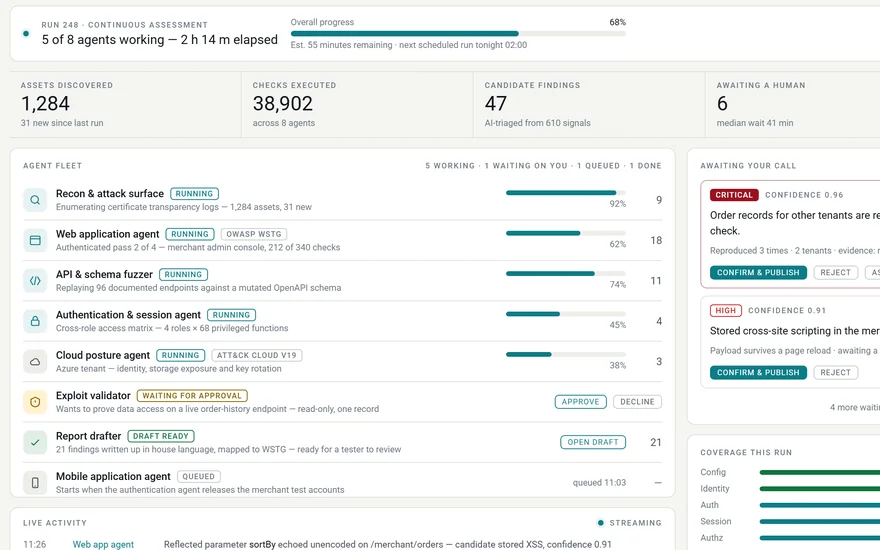
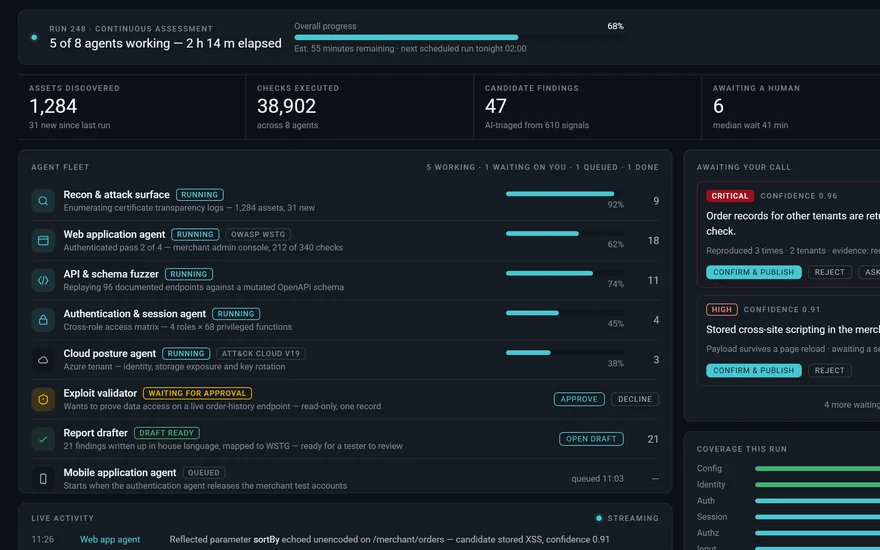
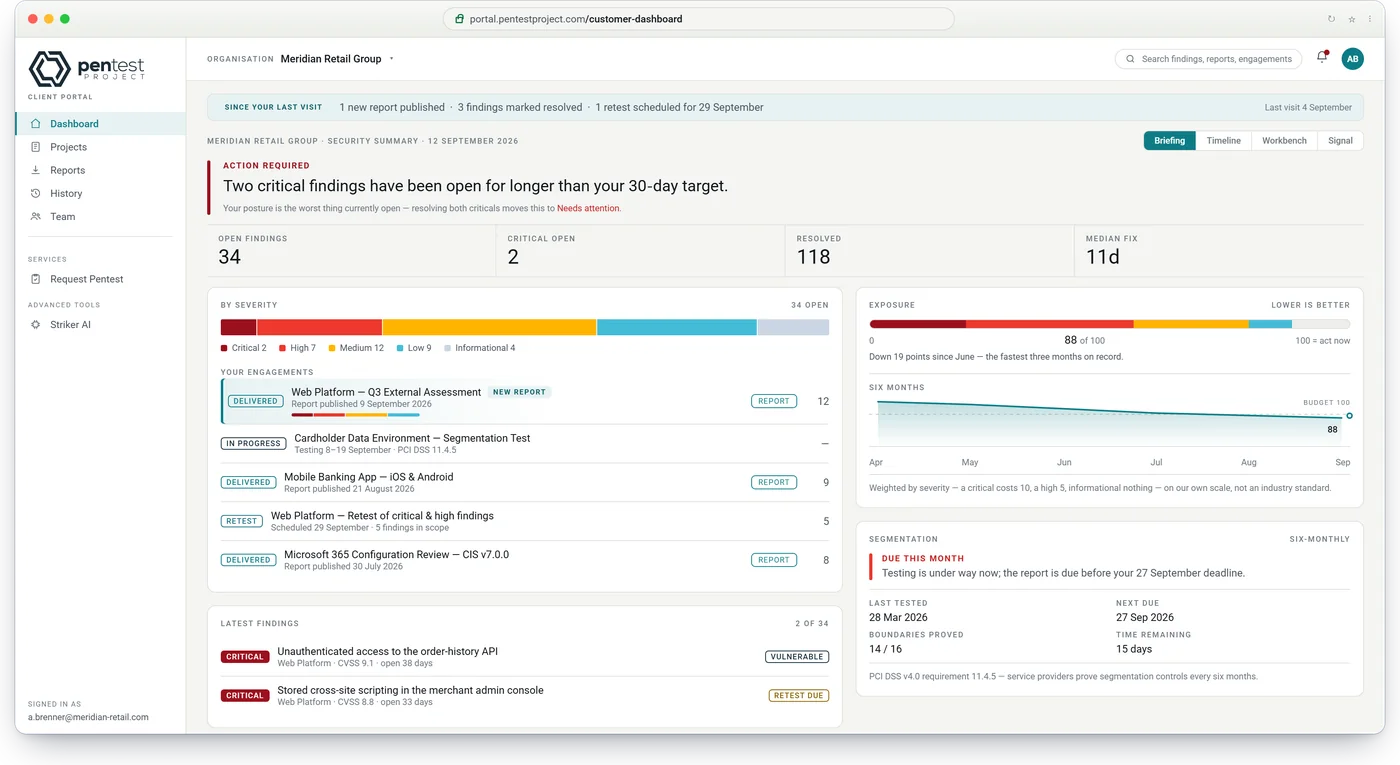
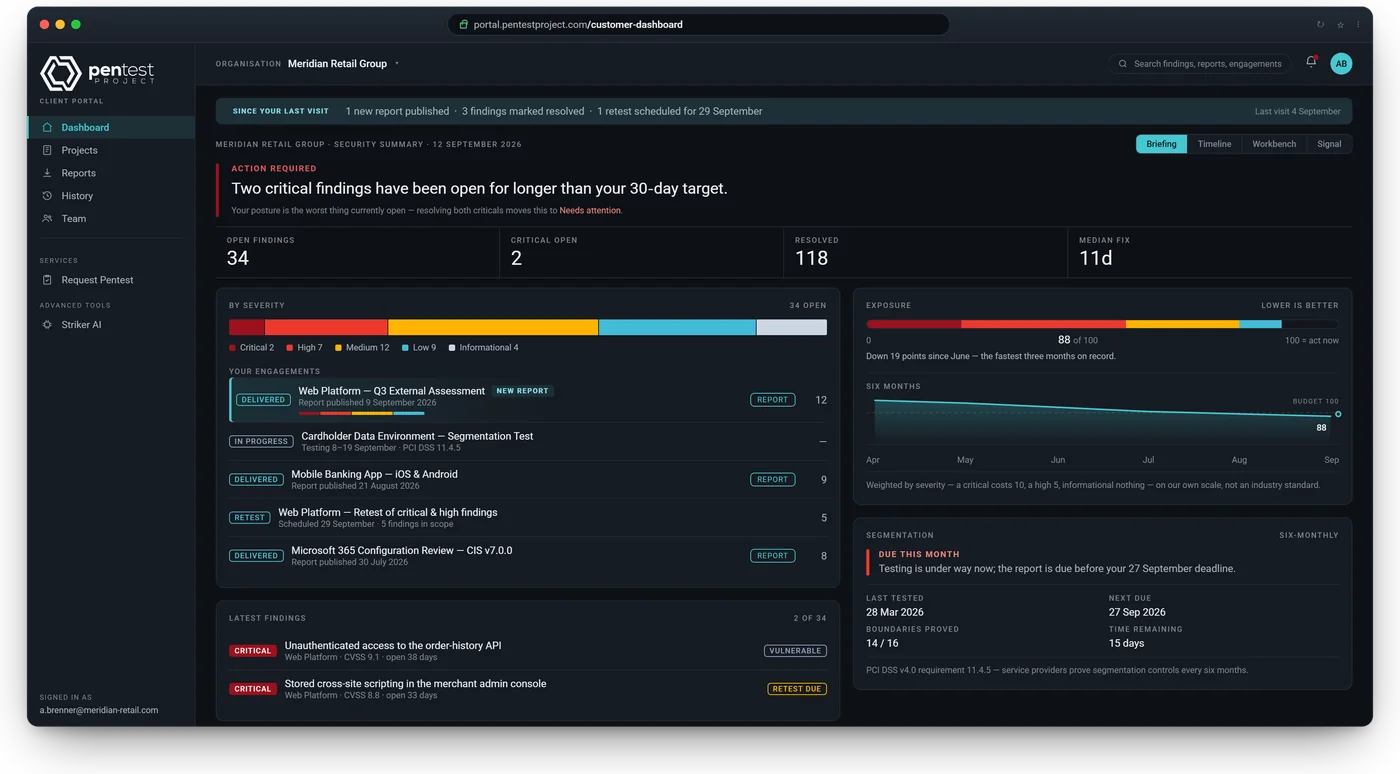
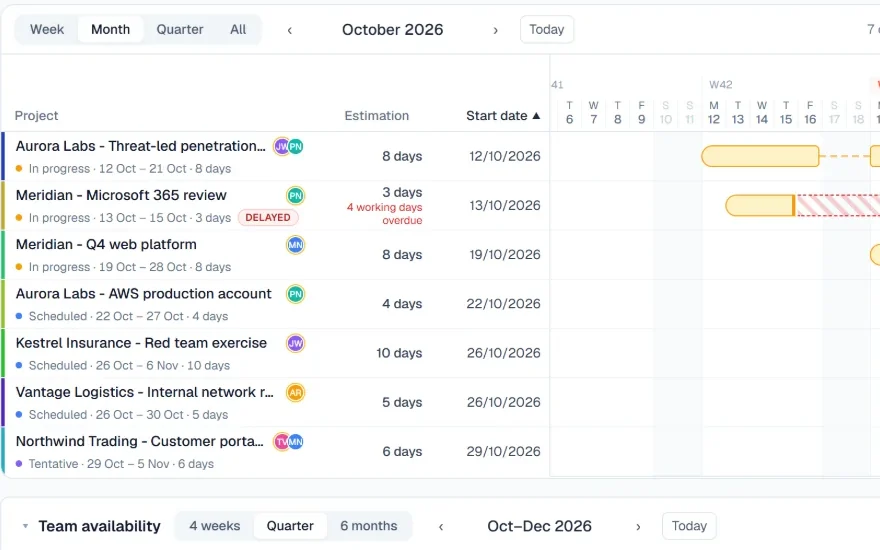
What your client sees in Slate's client portal: where they stand in a sentence, then the figures behind it.
Scope it. Test it. Report it.
Three of the tools we build for our own engagements are our main products. Flint scopes and plans the work with your client. Slate runs the engagement and delivers the report. Striker AI, coming soon, will bring AI-assisted and agentic testing. Flint and Slate are each licensed and priced on their own; connect them and nothing is typed twice.
Available now
Flintscoping & project management
Scope it with the client, plan it with the team
Clients scope their own engagement, service by service
Statements of work drafted from the answers and signed online
Testers, dates and time off planned in one view
On its ownOnboard clients, scope the work and manage projects, for your own team or with resellers and their end clients.
AI and automation do the heavy liftingWhatever can be calculated, drafted or checked is done for you, and a person approves what matters.
Flint keeps you briefedAI Wingman tells you what needs action, looks things up and drafts statements of work and invoices, acting only after you confirm.
Slate takes the paperworkA readiness line names what is missing before release, the retest conclusion is written from the findings' state and the attestation letter is generated on delivery. AI Assist drafts write-ups and summaries with your own AI key.
Striker AI will test beside youAI will suggest next steps, take on repetitive work and triage tool output for your testers, and agents will test on their own against a locked scope.
Two products, one engagement. Nothing typed twice.
Flint and Slate are licensed separately and complete on their own. Connected, they share one record: each step shows where it happens, and every arrow is a hand-off nobody has to type.
01RequestSlate → FlintA client asks for a test in Slate's client portal and lands in Flint's scoping questionnaire.
02ScopeFlintThey answer, hand sections to colleagues and sign the statement of work online.
03PlanFlintA scheduled project, testers assigned, a checklist before day one, and kick-offs that end in rules of engagement.
04OpenFlint → SlatePicking the engagement in Slate fills in the client, scope, segments, dates, testers, test accounts (never passwords) and rules of engagement.
05Test and reviewSlateIf dates, testers or scope change in Flint, Slate shows the change to apply or dismiss.
06DeliverSlate → FlintIssuing the report marks the Flint project delivered.
07NextSlate → Flint"Request a retest" or "Book the next test" in the client portal starts the next engagement in Flint, in the same series.
Compare: each on its own, or connected
Step
Each on its own
Connected
Scoping
Flint: the client scopes and signs online. Slate: you enter the scope.
Slate starts from the scope the client signed in Flint.
Opening the engagement
Typed in from the statement of work.
Client, scope, segments, dates and testers filled in before you save.
Test accounts and rules of engagement
Copied across by hand.
Carried over from Flint's checklist and technical kick-off; passwords never cross.
Delivery status
Updated in each product.
Issuing the report marks the Flint project delivered.
The next test
Started again, or from an earlier scope.
Requested in the client portal; it starts in Flint in the same series.
Licensed separatelyTake Flint, Slate or both. Each has its own licence, its own price and its own count of users.
Complete on its ownFlint is a full scoping and project management tool without Slate; Slate is a full delivery and reporting platform without Flint.
Clients always freeYour clients never count as users: not when they scope or sign in Flint, and not when they read reports in Slate.
Built by a penetration testing company, for its own engagements first.
PenTest Hub has delivered penetration tests and red team engagements since 2017. Flint and Slate are the tools our own testers and project managers use on those engagements, and our testers already use Striker AI there too. What you license is what we use.
Reports your clients can hand to their auditorAn attestation letter generated on delivery, a frozen and versioned report, and a record of who received it, for their SOC 2, ISO 27001, NIS2, HIPAA or PCI DSS auditor.
Your own instanceA dedicated instance shared with no other customer, in the region you choose, or on your own server with Enterprise.
2017the year PenTest Hub began penetration testing
13testing guides built into Slate, from OWASP, MITRE, CIS and CISA
1,478test items, each marked automated, manual or out of scope
3,000+automated tests behind every release
Priced per user. Your clients are always free.
Flint and Slate are priced on their own. Slate comes in three editions, for three kinds of team; Flint has one price per user and follows the edition you choose. A user is anyone on your team with a login.
Prices in EUR, excluding VAT. Yearly and 3-year plans are billed once a year.
Slate
engagements & reporting, in three editions
Every edition includes all of Slate; the activity log is an add-on
Review before releaseFour-eyes review; nothing reaches a client unapproved
ReportsPDF, Word and Excel from one template
Your own designReports, covers and letters in your fonts, logos and wording
Client portalFree and unlimited for your clients
RetestsYear-on-year series and signed attestation letters
Findings libraryCVSS 4.0, Nessus (CSV) import
Testing guides13 guides and 21 security standards
AI AssistWith your own AI provider
Essential
For in-house security teams at product companies, and testing companies that do not need white-label.
Minimum users and white-label follow your edition: none on Essential, 5 on Professional, 10 on Enterprise. Cloud version on every edition, Server version on Enterprise. The Board view, management reports and the activity log are available as add-ons. Client reports are included. One Partner is included; more Partners, for regions, teams or subsidiaries, are available as an add-on.
What it costs, in three examples
An in-house team of 3Slate on Essential3 × €55€165 a month
A consultancy of 5Flint and Slate on Professional5 × €119 + 5 × €2.75€608.75 a month
A testing company of 10Flint and Slate on Enterprise10 × €182 + 10 × €2.75€1,847.50 a month
Billed monthly, excluding VAT, with everyone using both products in the last two examples. Yearly and 3-year terms cost less; your clients are never counted.
Every feature, edition by edition: Slate and Flint.
Add users any time, pro-rated to your renewal date. A login beyond your licensed users needs another user on your licence.Custom development on request at €650 a day, with twelve months' exclusivity on the features you fund. A perpetual licence is available on Enterprise with the Server version, on request.
Cloud or Server, and no surprises.
The same products either way. Most companies take the Cloud version; companies whose policy keeps data in-house take the Server version, part of the Enterprise edition.
RecommendedAll editions
Cloud version (we host)
A dedicated instance, shared with no other customer
Hosted in the region you choose: EU by default, or US, Canada, Australia and others on request
Ready within two weeks of signing; no hardware to provide
Run, backed up, monitored and updated by us
Your data exported to you on request or at the end of the term
Enterprise
Server version (you host)
Runs on one Linux host with Docker, inside your environment
Installed by your team with our installer and your activation key, or by us; licensed from the first start
Your data never leaves your network
Signed releases: Flint and Slate tell your administrator when one is out, and your administrator runs the upgrade
Works without internet access: activation and release lists travel as files
PenTest Project is the software arm of PenTest Hub, a penetration testing and red teaming company founded in 2017. The tools we build and use on our own engagements are made available here to other testing companies and in-house security teams. Three of them are our main products: Flint for scoping and project management, Slate for engagements, reporting and the client portal, and Striker AI for AI-assisted and agentic testing, coming soon. Flint and Slate are each licensed separately and work on their own; together they share one record, from the client's first scoping answer to the signed-off retest.
Can I use Flint or Slate on its own?
Yes. Each product is licensed separately and complete without the other: Flint is a full scoping and project management tool, Slate a full engagement, reporting and client portal platform. You can add the other one later and connect them.
What do I gain by using them together?
One record from the client's first answer to the signed-off retest. A client asks for a test in Slate's client portal and scopes it in Flint. Opening the engagement in Slate fills in the client, scope, dates, testers, test accounts (never their passwords) and rules of engagement. Issuing the report marks the Flint project delivered, and the next test or retest starts in Flint in the same series.
Why are the products called Flint, Slate and Striker AI?
Each name says what the product does in an engagement. Flint strikes the spark that starts the work. Slate keeps the record, set in stone. Striker AI will strike first, before an attacker does.
What about AI?
AI and automation run through all three products, and a person approves what matters. In Flint, AI Wingman briefs you, looks things up and drafts statements of work and invoices, acting only after you confirm; it is included in Flint's price and uses your own AI provider key. In Slate, AI Assist drafts write-ups and summaries with your own key. Striker AI, coming soon, will add AI-assisted and agentic testing. There is no per-token bill from us.
Pricing and licensing
Who is it for?
Penetration testing companies, security consultancies and in-house security teams. Testers and project managers are licensed; the clients who read the reports are not.
Who counts as a user, and do my clients pay?
Anyone on your team who signs in, including, in Flint, the logins of every Partner. Flint and Slate each count their own users. Your clients never pay and never count: not when they scope or sign in Flint, and not in Slate's client portal.
Can you customise it or build features for us?
Much is configurable without us: report templates, covers, colours and fonts in every edition and, on Professional and Enterprise, your own brand on every email and the client portal. Beyond that, we build it as custom development at €650 a day, with twelve months' exclusivity on the features you fund; Enterprise includes three development days a year.
What happens when a licence ends?
Nothing is deleted and nothing is held back. On the Server version a grace period follows the end of the term; after it the instance turns read-only, so everything can still be read and exported until the licence is renewed.
Security and data
Where is my data?
On the Cloud version, on your own dedicated instance in the region you choose, EU by default, exported to you on request. On the Server version it never leaves your environment, and we access it only when you grant it for support.
Do you support single sign-on and two-step sign-in?
Yes, in every edition of Flint and Slate. Your team, and your clients' users in the client portal, sign in with Microsoft Entra ID, Google Workspace or any OpenID Connect provider. Anyone who signs in with a password can add an authenticator app code, and your administrators can require it.
How do updates work?
As signed, versioned releases with security patches. On the Cloud version we apply them. On the Server version Flint and Slate can check for a new release while your licence covers updates, and your administrator runs the upgrade; networks without internet access import the release list as a file.
Getting started
How quickly can we start?
A 30-minute call to settle the products, users, edition and where it runs, then your instance is ready within two weeks of signing. On the Server version your team installs it with our installer and your activation key, or we install it for you.
Can we bring our existing findings?
Yes. On Professional and Enterprise, assisted onboarding includes migrating your findings library from Word, Excel or the tool you use today; on Essential we do it as custom development. A self-service import from Excel and CSV is coming soon, and Nessus results (CSV) can be imported today.
A 30-minute call, then your instance within two weeks.
Choose an edition and we provision your instance, or book a demo first and we walk you through it with sample data.


 Available now